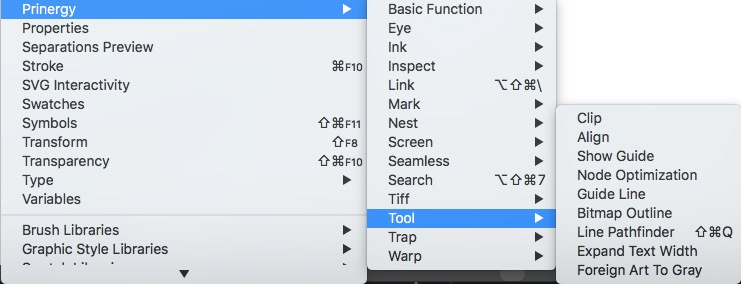
Use the Selection tool to select a closed-path curve and an over-lapping open-path curve. Depending on the desired effect, click one of the following buttons: 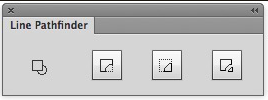
| Before processing |
| |
| Keep Biggest | After cropping, save the larger object. |
|
| Keep Smallest | After cropping, save the smaller object. |
|
| Keep Both | Save both objects. |
|