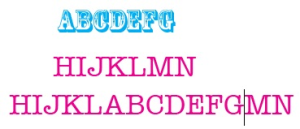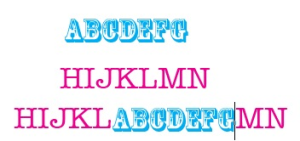
When you use a paste option from an Adobe Illustrator menu, the pasted text normally retains the format of the copied text.
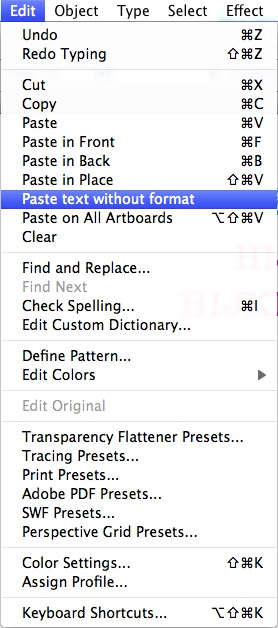
To delete the original format of copied text and apply the format of the text located in the pasting position, use the Paste text without format option.
Note: The Paste text without format option is available only if the copied content is Adobe Illustrator content. The option is unavailable if the copied content is an object.